

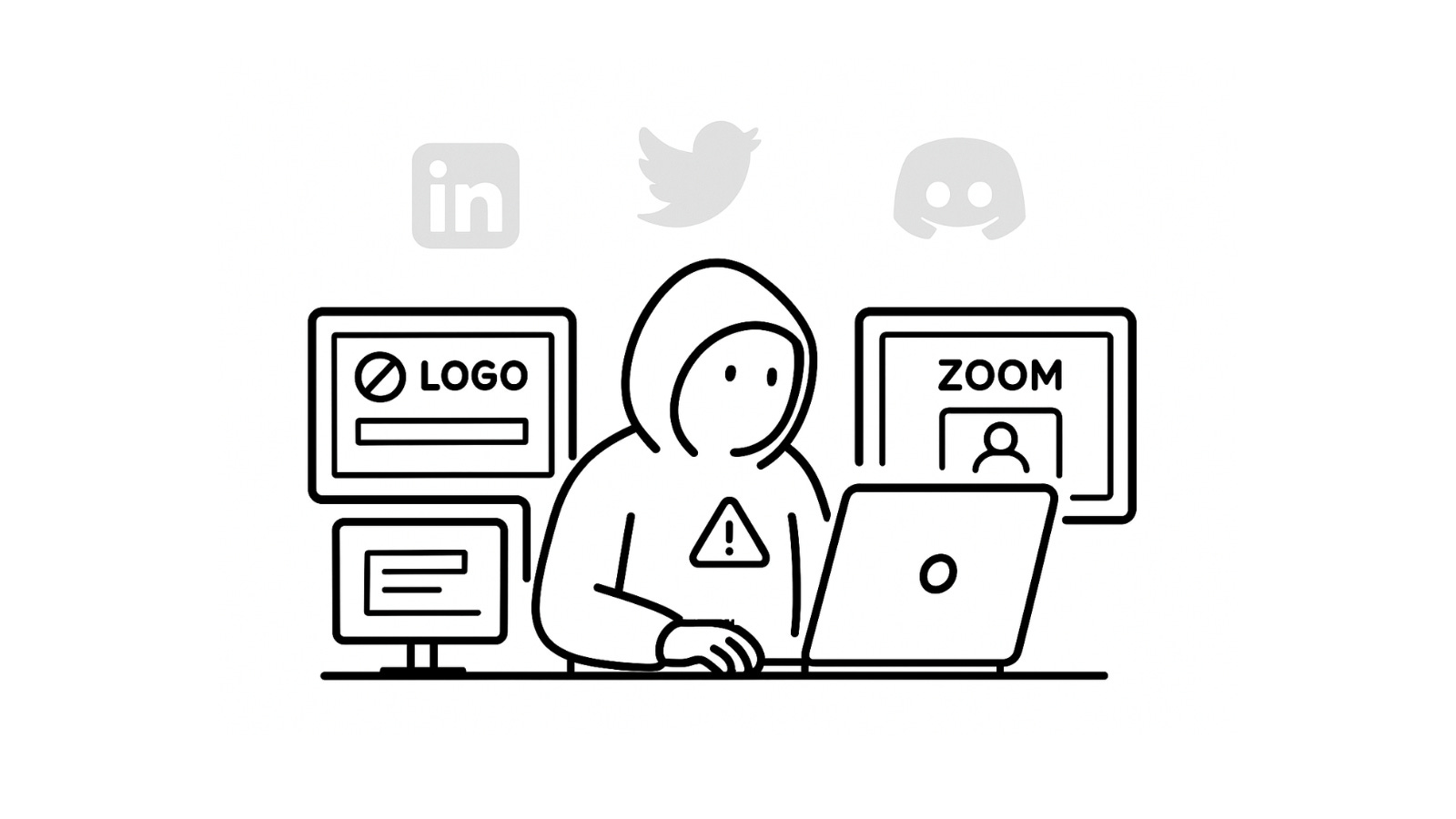
Phishing has evolved far beyond the clumsy “Nigerian prince” emails of the past. Ten years ago, you could spot them instantly with bad grammar, sketchy Gmail addresses, laughable promises of money.
Now? It’s a different game. Today’s phishing attempts are clean, professional, and almost too legit. They’ll reference your actual business, use the tools you already trust, and sometimes even fool seasoned security pros.
If you’re in Web3, this is one of the biggest threats to your team. Let’s break down how attackers work today and what you can do to make their job almost impossible.
What modern phishing looks like
Attackers don’t just “spray and pray” anymore. They research, they plan, and they make things look real. A modern phishing playbook often includes:
A legit-looking website. The logo, design, and even the domain look right.
An attractive opportunity. A grant, a partnership, or “urgent business.”
Respectable-looking accounts. LinkedIn with years of activity, social media that seems active.
Details about your work. They’ve read your announcements, studied your product, maybe even joined your Discord.
Professional tone. No typos, no obvious mistakes, everything looks polished.
Trusted tools. Zoom invites, Slack DMs, Google Docs links you’re used to clicking on.
And here’s a recent favorite:
“Hey, can you quickly approve me to share my screen on Zoom?”
Looks harmless, right? But if you don’t pause to think, the attacker might have really sent a request to remotely manage your computer. That one click can compromise your device.
Your online persona = Their research material
Most phishing works because we overshare. Attackers don’t need spyware if your Twitter, LinkedIn, or Instagram already gives them all the context they need.
Don’t overshare personal details (location, family, hobbies).
Keep personal and work accounts separate.
Remember: every extra detail = one more hook they can use.
The gold standard to avoid getting hooked
Here’s what actually works in practice:
Treat unexpected messages as suspicious. Pause before replying or clicking.
Don’t click on links in emails. Type out the URL yourself.
Use phishing-resistant MFA. Hardware keys beat SMS every time.
Open files in a sandbox. PDFs and docs are classic infection vectors.
Disable scripts in PDF readers. Still a thing, still dangerous.
Use email authentication (DKIM, SPF, DMARC). Stops your domain from being spoofed.
Red flags you should never ignore:
Time pressure (“do this right now”)
Deals too good to be true
Requests for unusual tools or permissions
Oddly detailed knowledge from a stranger
Bottom line: Zero Trust. Just because something looks professional doesn’t mean it’s safe.
Why this matters for Web3 teams
Phishing is usually just step one. Once an attacker’s in, they go after bigger targets’ private keys, admin accounts, funds. That’s why “spotting bad emails” isn’t enough. Your whole operational setup has to be resilient.
Security isn’t one-and-done. It’s a habit.
Want to go deeper? Join our free Web3 operational security awareness training on December 16.
We’ll cover social engineering tactics, private key essentials, hardware wallet best practices, and practical ways to make your team harder to hack.
It’s designed for everyone on a Web3 team devs, PMs, bizdevs, marketers, community managers, and execs.
Just sign up here and join us online. No cost, no obligations.
Phishing works because it feels normal. The more you slow down, stay skeptical, and practice good habits, the less power attackers have. Add the right team training, and phishing goes from “serious threat” to “minor annoyance.”
Get a quote for your project, schedule a call with our team, follow us on X, and sign up for our newsletter for simplified and curated Web3 security insights.